New InnoCode Desktop is in beta for macOS, Windows, and Linux. Download now
The AI coding agent built for privacy
Built for GDPR-grade privacy. InnoCode ships with InnoGPT — EU-hosted models and one API key for everything.
curl -fsSL https://innocode.io/install | bash npm install -g innocode bun install -g innocode brew install Inno-ki/tap/innocode scoop install innocode 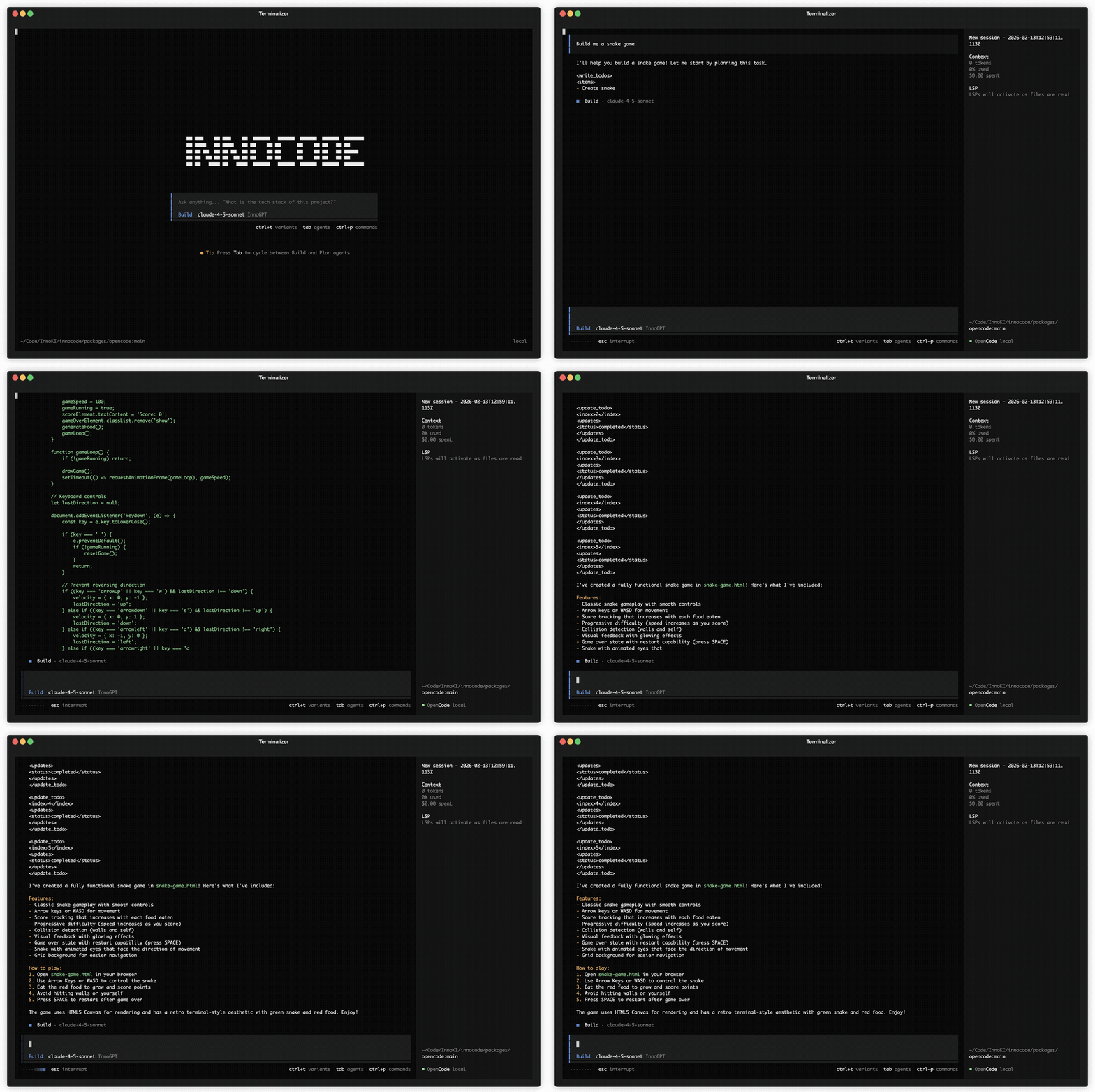
What is InnoCode?
InnoCode is an AI coding agent that helps you build faster in your terminal, IDE, or desktop — powered by InnoGPT's EU-hosted models.
- [*] InnoGPT models EU-hosted, GDPR-first models with a single API key.
- [*] Privacy by default Your code stays local and is never used for training.
- [*] LSP enabled Automatically loads the right LSPs for the model you use.
- [*] Multi-session Run multiple agents in parallel on the same project.
- [*] Every surface CLI, desktop, and IDE extension with consistent behavior.
- [*] Enterprise-ready Central config, access control, and compliance-friendly hosting.
Built for privacy first
[*] InnoCode does not store your code or context. InnoGPT routes requests through EU-hosted infrastructure designed for privacy-sensitive teams. Learn more about privacy.
FAQ
What is InnoCode?
InnoCode is an AI coding agent for the terminal, desktop, and IDE. It ships with InnoGPT — our EU-hosted model gateway.
How do I get started?
Install InnoCode, sign in to InnoGPT to create an API key, and start coding.
Do I need other AI subscriptions?
No. InnoCode is optimized for InnoGPT, so a single InnoGPT key powers everything.
Can I use other providers?
Not by default. InnoCode is configured for InnoGPT to guarantee GDPR-grade hosting and consistent behavior.
Where is my data processed?
Requests route through InnoGPT's EU-hosted infrastructure. InnoCode does not store your code or context.
Is there a desktop app?
Yes — InnoCode Desktop is available for macOS, Windows, and Linux.